
When I am catching up with our field teams or chatting with folks at the booth during VMware Explore, the big question lately is always the same: How do we actually get generative AI running in our own data centers?
For a while, standing up Large Language Models (LLMs) on-prem meant dealing with difficult networking, multiple interwoven software prerequisites, complex hardware infrastructure requirements, all before even obtaining GPUs. In this latest release, we lowered the barrier to entry for private AI so that customers can get started faster. After all, the ability to take advantage of powerful open-weights models while keeping your IP and data safely inside your own walls is a high priority for many these days. This allows you to get developers what they need faster, without worrying about public cloud API costs or data leakage to third-party providers.
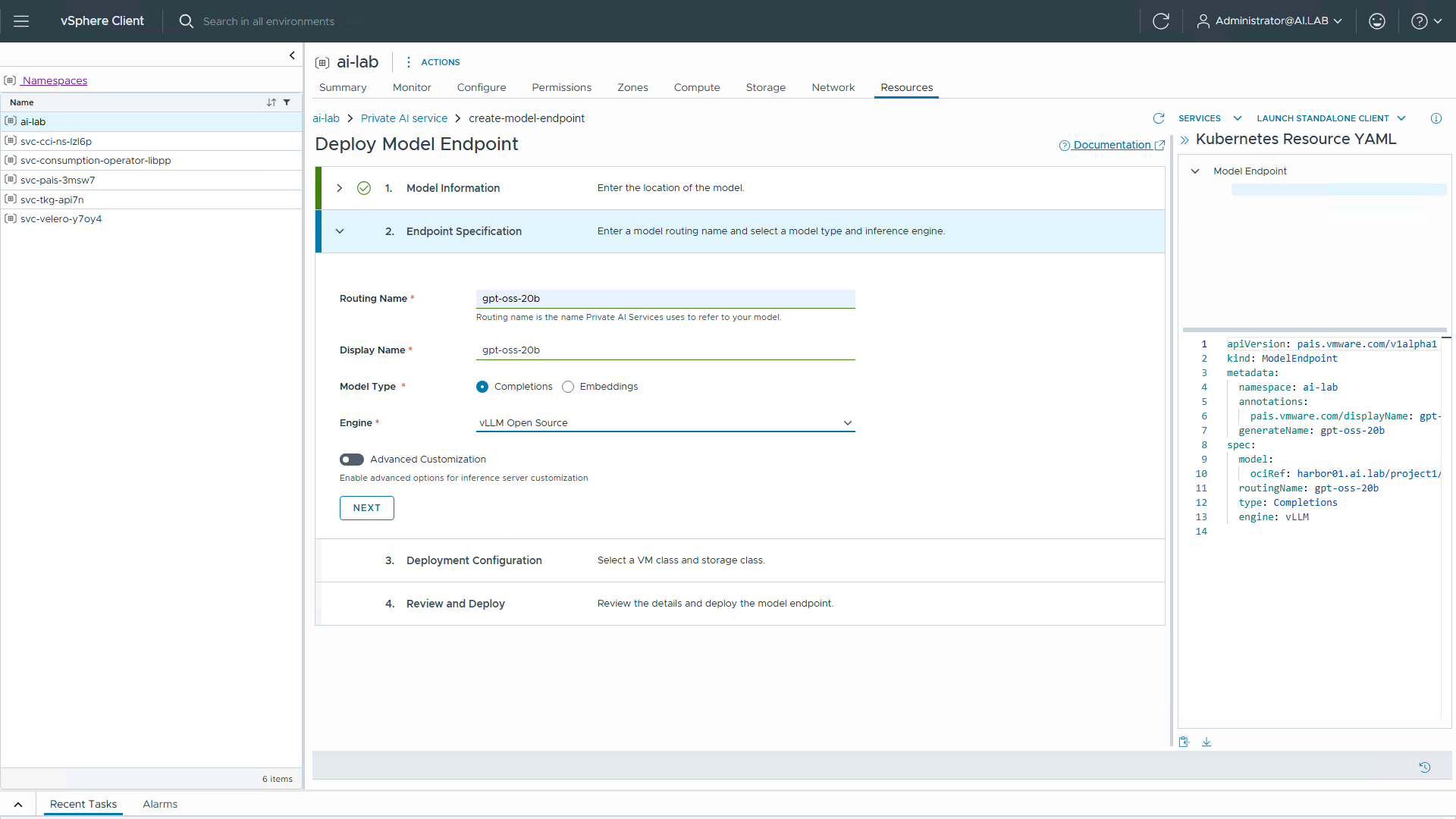
That’s exactly what I want to show you in my latest demo. With the release of VMware Cloud Foundation 9.1.1 and Private AI Services 3.0, we’ve taken some major steps to simplify things. We integrated PAIS functionality directly into the vSphere-native Local Consumption Interface (LCI) plug-in, so you can deploy models without ever leaving the vSphere client. Even better, the supervisor cluster in this demo is running on vSphere Distributed Switches. This means that VCF Automation and NSX are no longer mandatory prerequisites just to get started with Private AI.
Check out the video below to see how easy it is to take an open-weights model, deploy it locally, and hand off a working API endpoint straight to your devs.
(If the video is blurry, manually set the resolution to 1080p.)